Get Exclusive Discounts & a Premium License — Buy the Complete Project from Our Marketplace Today Checkout
100% offline  ·  LAN-only  ·  no cloud

Messaging that never
leaves your building.

NodeChat is the desktop messenger built for teams who need true privacy. Runs entirely on your LAN — no servers, no subscriptions, no external connections.

Air-gapped security
Windows · macOS · Linux
Full source code
nodechat — lan secured
Rooms
GC
General
Build pushed to QA ✓
2
ENG
Engineering
PR reviewed and merged
DS
Design
New mockups uploaded
HR
HR & Admin
Meeting at 3 PM today
JD
Jane Doe
GC
General
5 members · all online
AL
Is NodeChat fully offline yet? 👀
Yes — zero internet. All P2P over LAN. 🔒 ✓✓ delivered
RK
Transferring the design files now…
Message General…
Built with
Electron.js React 18 TypeScript Socket.IO TailwindCSS v3 Node.js
100%
Offline, no cloud
3
Platforms — Win, Mac, Linux
0kb
Data leaving your LAN
∞
File transfer size limit
Core capabilities

Everything your team needs.
Nothing it doesn't.

Engineered for developer and IT teams who won't compromise on privacy or performance.

01
🔒

Air-gapped & Offline

Pure peer-to-peer over WebSockets. Not one byte of data routes through an external server — ever.

02
📂

Unlimited File Transfer

Drag and drop files of any size. At full gigabit LAN speed, not throttled by a cloud middle-man.

03
🖥️

True Cross-Platform

One Electron codebase. Native feel on Windows, macOS, and Linux — no compromises on any OS.

04
⚡

Zero Configuration

No database, no environment setup, no DevOps. npm install → npm run build → done.

05
🎨

Dark Mode + Themes

A polished dual-mode UI with accent color customization, built with TailwindCSS for every preference.

06
🔔

Real-time Signals

Typing indicators, delivery receipts, read confirmations, and native desktop push notifications.

Feature walkthrough

Every screen, shown.

13 feature screenshots — exactly what buyers receive.

Offline P2P
01 / 13

Offline P2P Chat

Full LAN messaging with zero internet dependency.
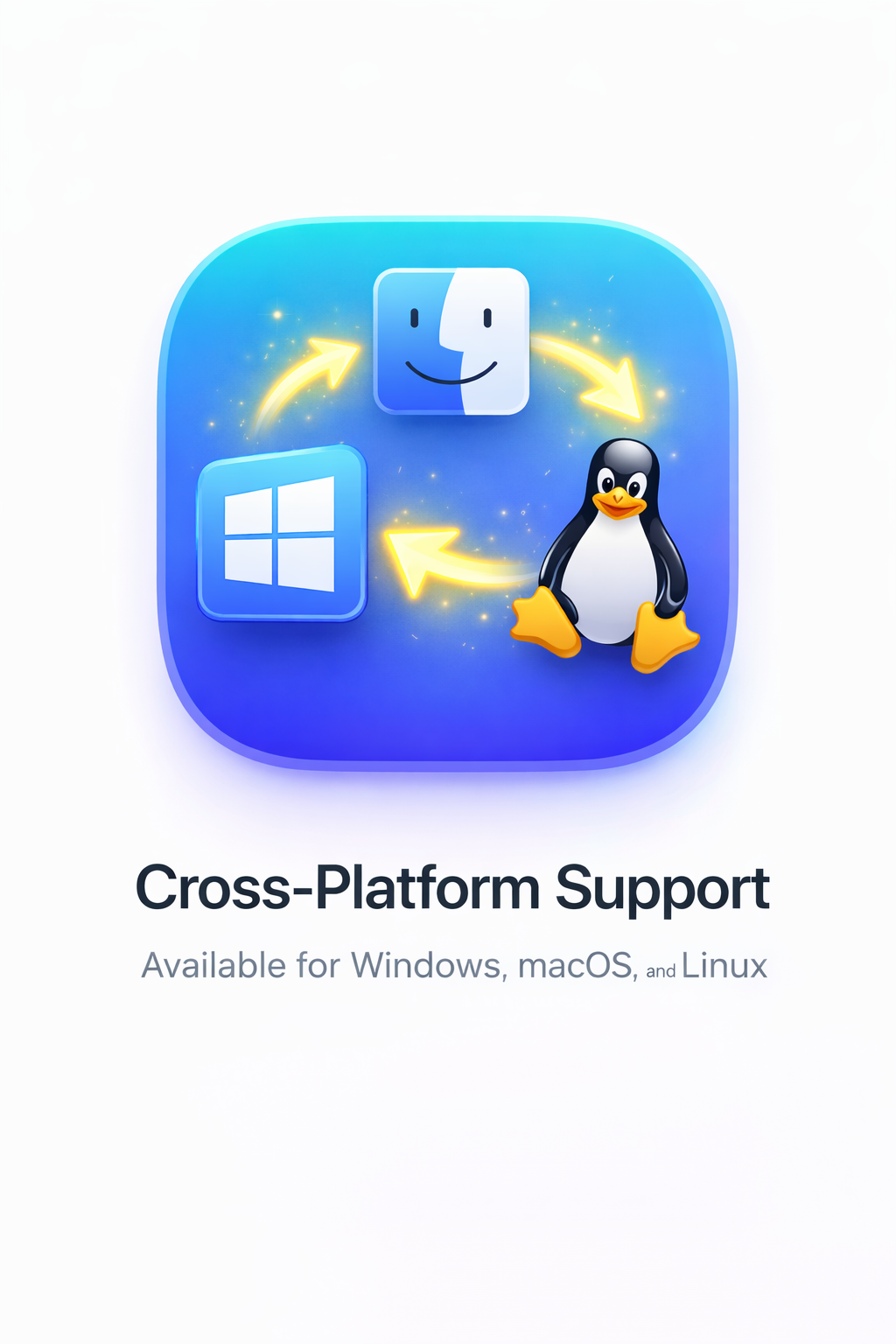
Cross-platform
02 / 13

Cross-Platform

Windows, macOS, and Linux — one codebase.
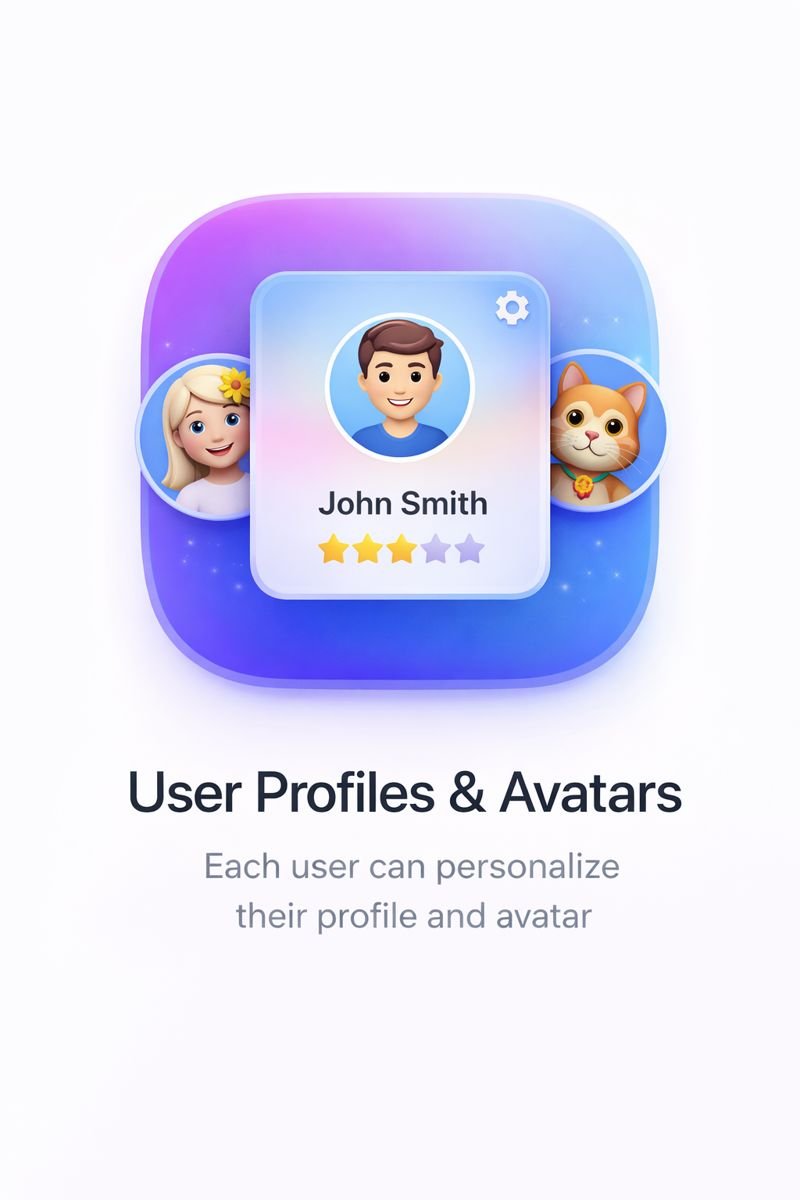
Profiles
03 / 13

Profiles & Avatars

Custom display names and avatars for every user.
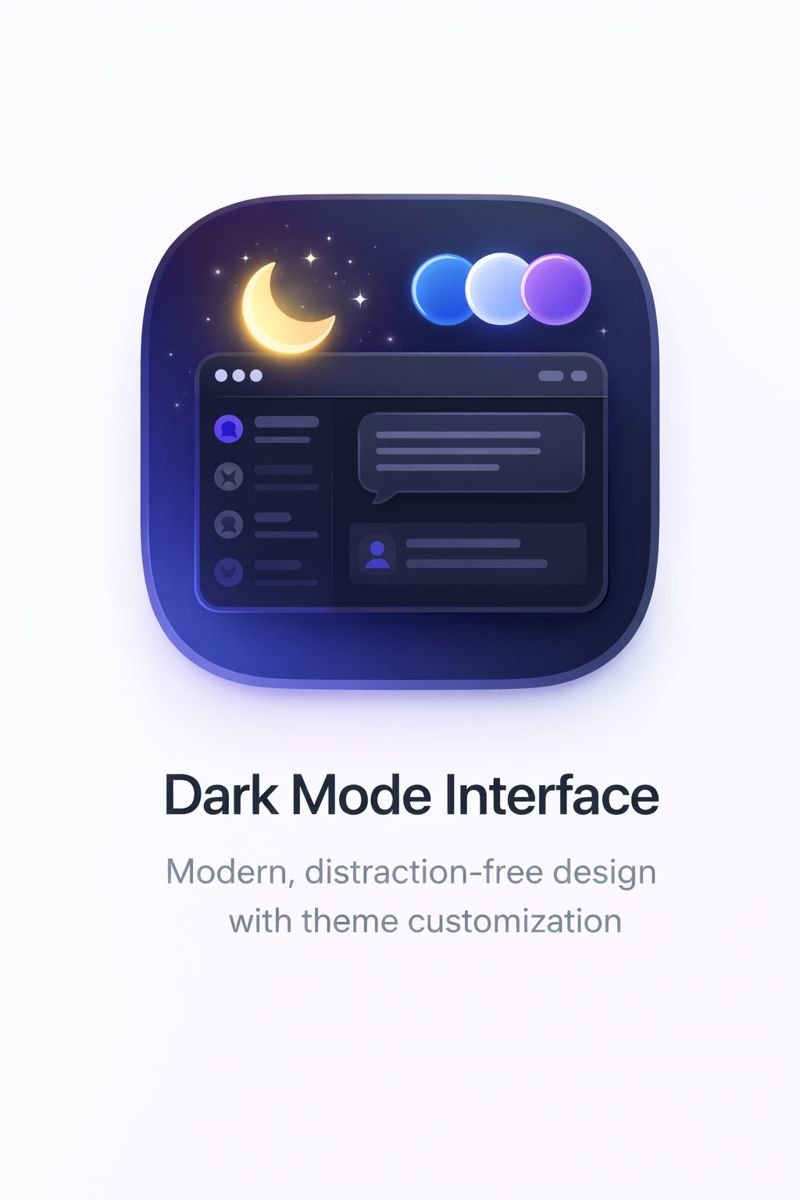
Dark mode
04 / 13

Dark Mode

Sleek dark interface — easy on the eyes, day or night.

File sharing
05 / 13

File Sharing

Drag-and-drop any file at full LAN throughput.
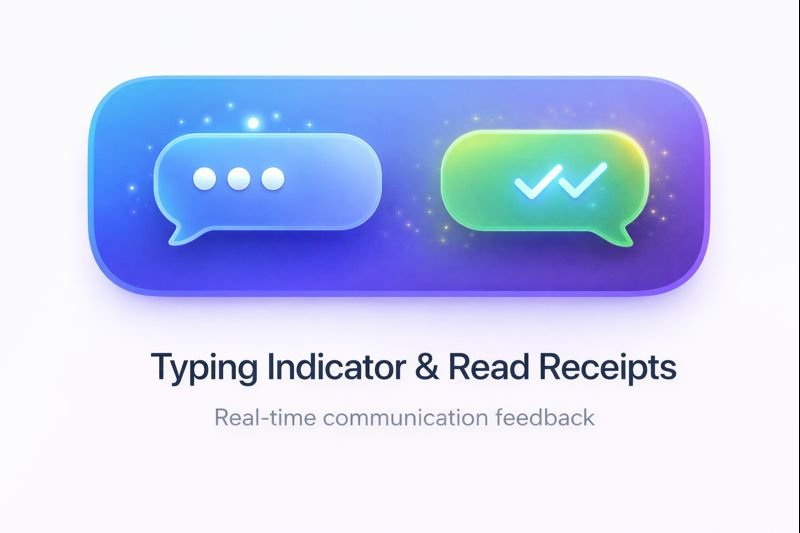
Receipts
06 / 13

Read Receipts

Delivered, read, and typing — live in real time.
Notifications
07 / 13

Notifications

Native desktop alerts with per-room sound settings.
Local storage
08 / 13

Local Storage

All history lives on-device. Nothing in the cloud.
Presence
09 / 13

User Presence

Online, offline, and idle — tracked in real time.
Setup
10 / 13

Easy Setup

npm run build and you're live.
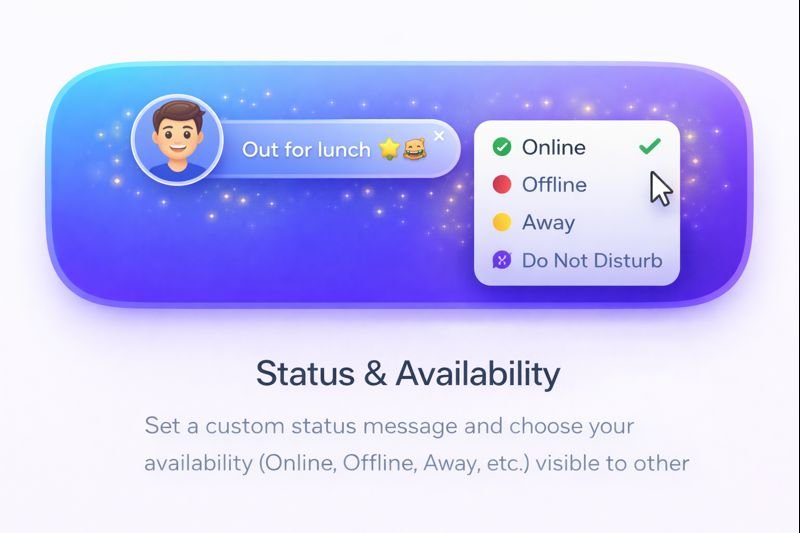
Status
11 / 13

Status Messages

"In a meeting", "Out to lunch" — custom availability.
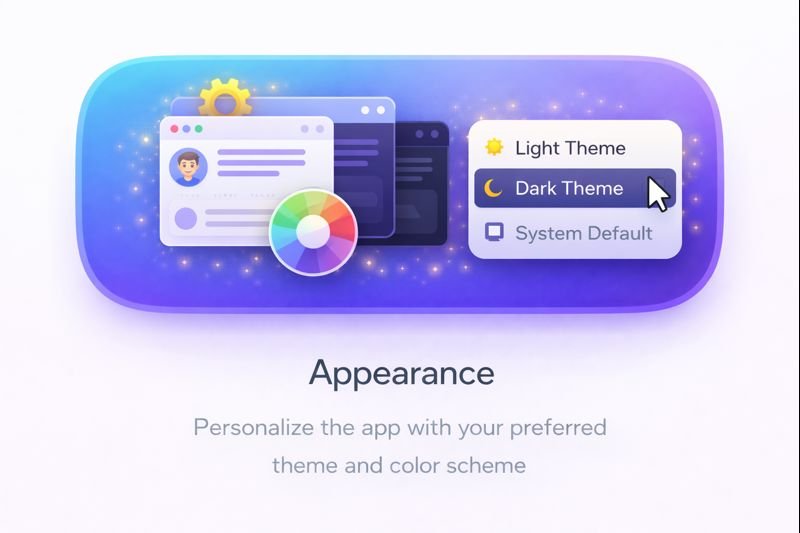
Themes
12 / 13

Appearance

Accent colors and layout preferences — fully yours.

Emojis
13 / 13

Emoji Library

Full built-in emoji picker for expressive messaging.

Quick start

Running in four steps.

No servers, no accounts, no waiting. Clone and go.

01

Purchase & Download

Buy the source code licence on CodeCanyon/Mounikai. Download the full project ZIP — documented and structured.

02

Install Dependencies

Run npm install in the project root. All packages resolve in under a minute.

03

Build & Launch

Run npm run build to compile React + TypeScript into a native Electron app ready to ship.

04

Open on Your LAN

Launch on any machine on the same network. Users auto-discover each other — no IP config needed.